In short
- Framework: Flutter
- Platform: Android
- Mode: Online
Important: health and safety
Breathing techniques and breath holding, especially hyperventilation and freediving tests, can cause dizziness, tingling or fainting (a spontaneous blackout caused by lack of oxygen). The hardest tests require a second person (a spotter), and you should never do them in water or while driving. The app is for education and training; it does not replace medical advice. If you have heart disease, high blood pressure or epilepsy, or if you are pregnant, consult a doctor. You practice at your own risk.
Challenge
Freediving is trained by the numbers, not by feel. CO2 tables (carbon dioxide tolerance) and O2 tables (adaptation to low oxygen) have to match a measured result, so a figure typed in from memory won't do. The catch: the test behind these tables, a controlled breath hold, carries risk itself. It had to be reliable and safe.
Solution
A guided Personal Best test measures your result and generates CO2 and O2 tables from it. The hardest tests require a spotter. Every session ends with one tap, and warnings accompany the whole path. Progression works like in strength training, with a hard safety limit. Cold showers, experience levels and a daily streak came on top, to turn breathing practice into a habit.
Process
- Choosing the techniques and shaping a session flow that calms you down.
- A distraction-free interface with visual, sound and vibration guidance.
- Implementation in Flutter (Dart): breathing animation, planner and statistics on a local SQLite database (Drift).
- Testing on phones and tablets, in portrait and landscape; home screen widgets.
- Freediving extension: a guided Personal Best test, CO2/O2 table generation and safeguards (spotter, quick session stop).
- Own backend (Node.js, TypeScript, Express, PostgreSQL, Docker) for accounts, sync with conflict resolution and challenges with leaderboards, plus notifications and an admin panel.
- Quality reviews: audits of screens, animations and exercises with a list of fixes, plus API tests (login and sync).
What it looks like
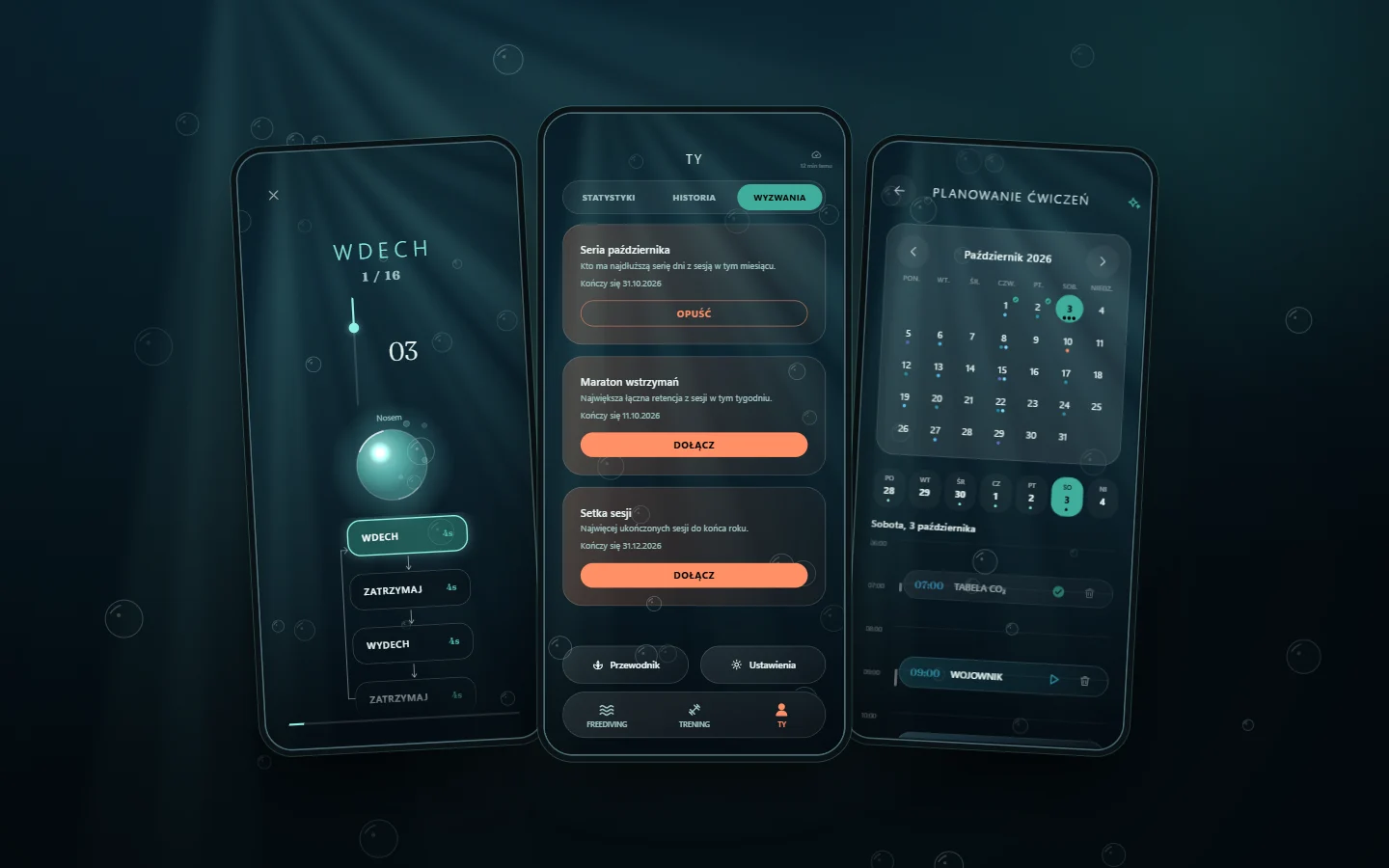
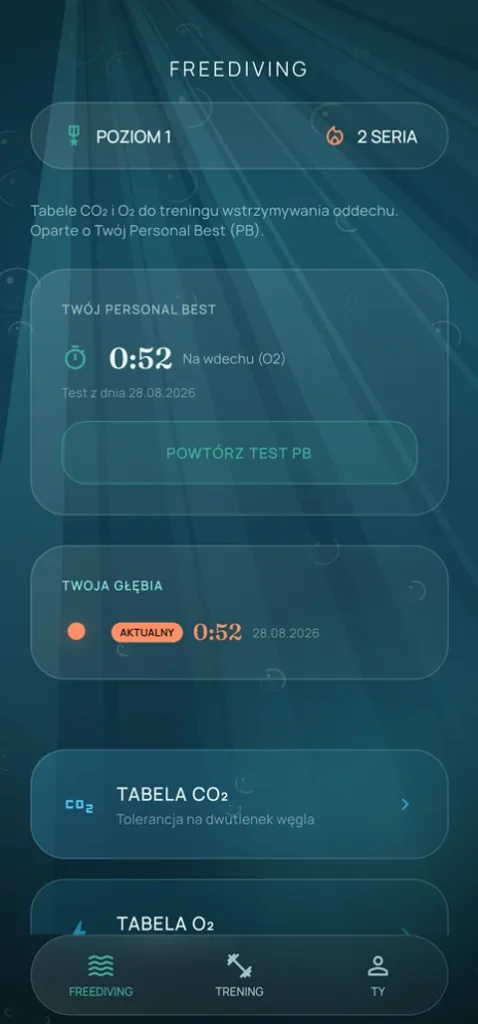
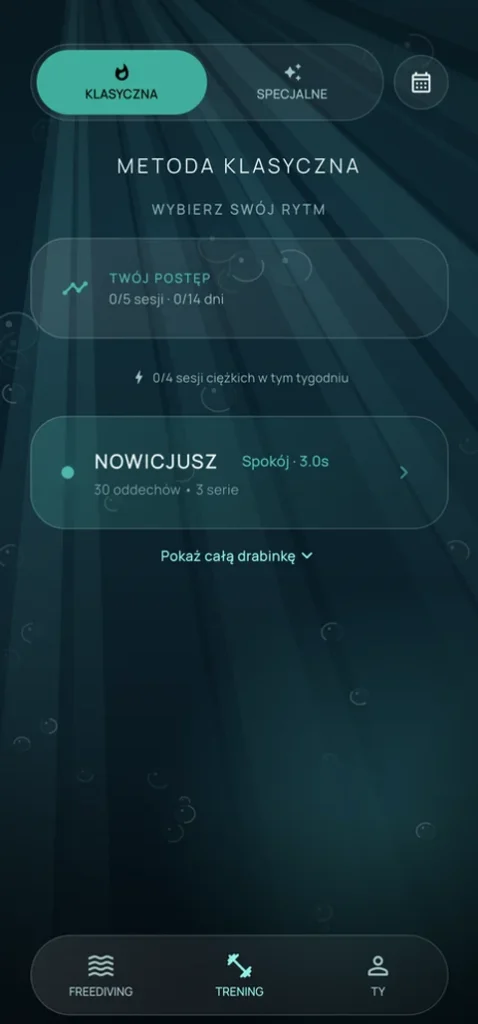
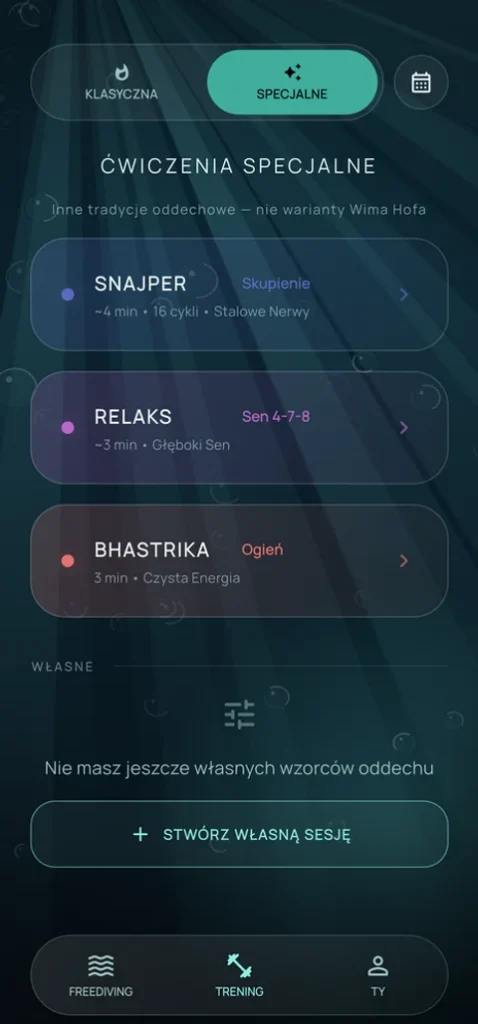
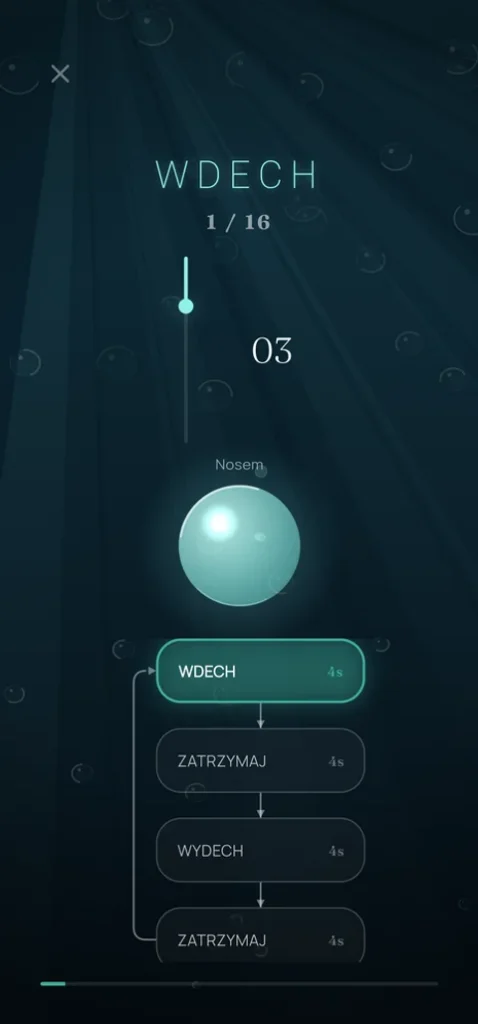
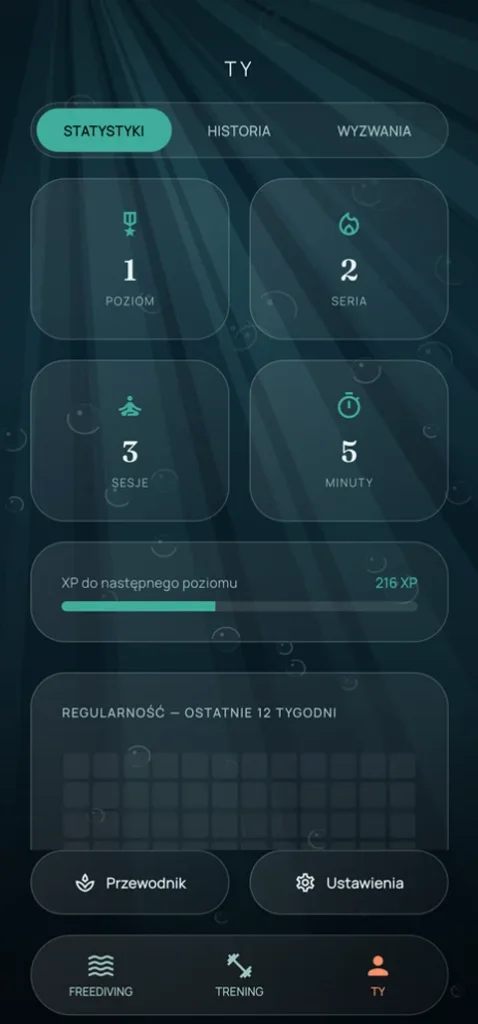
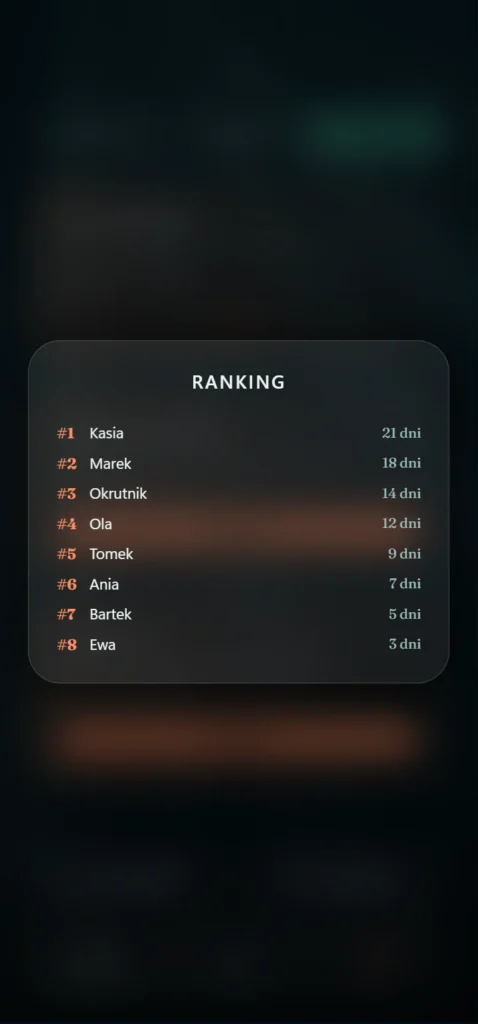
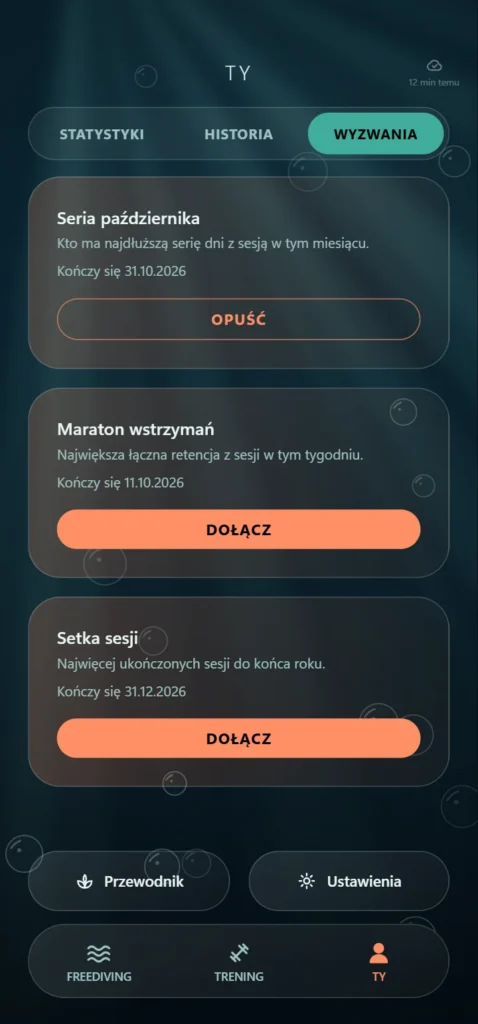
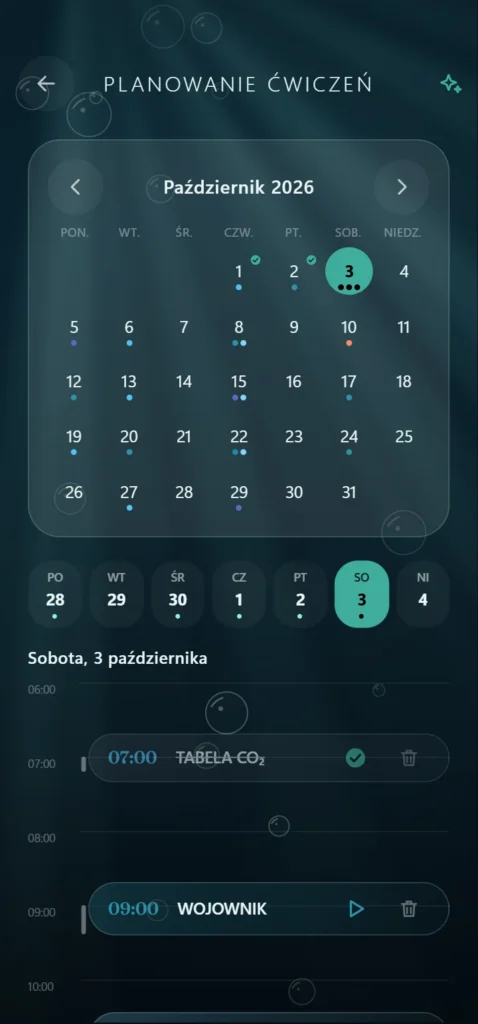
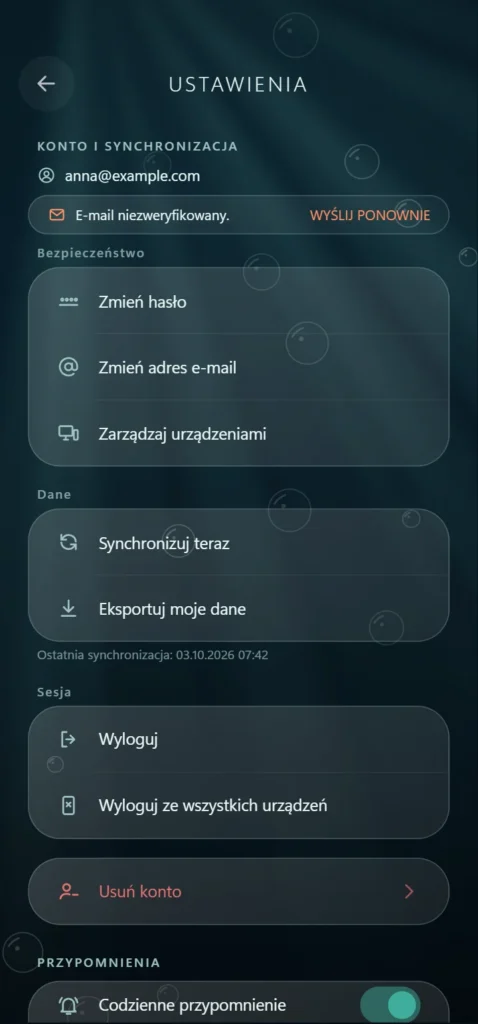
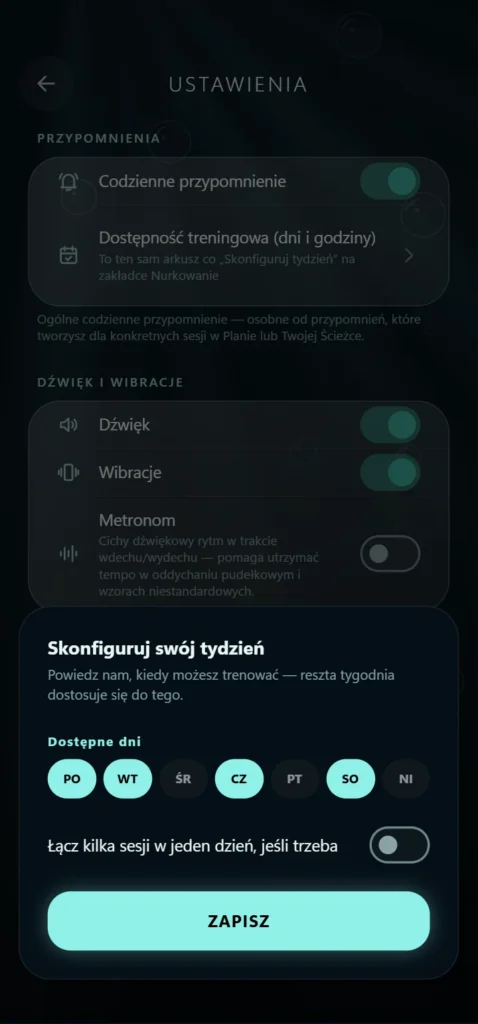
The first five images are screenshots from the app; the last five are mockups of newer screens with sample data (made-up challenges, nicknames and email address).
What it can do
- 4 breathing techniques. The classic method (Wim Hof) in four levels: Novice, Warrior, Beast and Savage. Plus Sniper (box breathing), Relax (4-7-8) and Bhastrika (breath of fire).
- Freediving and CO2/O2 tables. Measure your Personal Best in a guided, controlled breath-hold test, and the app generates CO2 (carbon dioxide tolerance) and O2 (adaptation to low oxygen) tables from your result. You can build your own tables in the builder.
- Cold showers. A separate cold exposure track alongside breath training; it counts toward the rest of your statistics and your streak.
- Safety first. A spotter is required for the hardest tests, warnings appear along the way, and you can end a session with one tap at any moment. This is a training app, not a medical device.
- Custom session builder. Set inhale, hold and exhale times plus the number of cycles and rounds, then save the pattern as your own preset.
- Visual guidance. A glowing orb grows as you inhale and shrinks as you exhale, while sound cues and vibration let you practice with your eyes closed.
- Ghost Mode. A double tap dims the screen: less battery drain and less eye strain during a long session.
- Planner and reminders. Schedule sessions for specific days and times; the reminder arrives on time, even after the phone restarts.
- Statistics and charts. Level and XP, day streak and a 12-week consistency map. Sessions and minutes are counted, with a retention trend, a post-session effort rating and a Personal Best chart over time.
- Challenges with leaderboards. Shared challenges (streak, total hold time, number of sessions) with a results list calculated from synced sessions.
- Session history. Date, duration and rounds for every workout, plus CSV export.
- Built-in guide. Every technique is described: benefits, contraindications and how to do it correctly.
- Home screen widgets. Three widgets: streak and today's session, a streak ring, and a larger dashboard.
- Account and sync. History, statistics and settings sync across devices through the app's own backend. Email verification and password reset come with the account. You can sign out from all devices, export your data and delete the account.
Technical details
- Platform: Android 8+ (phones and tablets), no iOS
- App: Flutter (Dart), Riverpod, local SQLite database (Drift)
- Backend: Node.js (TypeScript, Express), PostgreSQL, Docker, own VPS
- Languages: Polish, English
- Orientation: portrait and landscape
- Account: required (syncs history, statistics and settings)
- Internet: required for login and sync
- Ads: none
- Permissions: internet, notifications, vibration, exact alarms, start after reboot, screen kept on during a session
Privacy
An account is required, and your session history, statistics and settings sync across your devices through the app's own backend. The data is tied to your account and is not sold or shared with third parties. No ads and no analytics tools; Firebase Cloud Messaging is used for notifications from the server. You can delete your account and export your data from within the app.